- Brief
- Scope
- Architecture
AI Software Factory
Build apps with AI without losing control.
From idea to production-ready software.
Polymai runs as a VS Code extension and creates the plan, architecture, database, services, UI, and safe update path.
- Database
- Auth
- Storage
- Edge Functions
- Payments
- AI
- Webhooks
Examples
Example apps, one live surface at a time.
Loading examples...
Product
Generated as a structured app, not one blob of code.
Polymai separates the build into focused surfaces for interface, styles, behavior, data, service setup, and preview. That structure makes the first version easier to inspect and future updates easier to keep narrow.
Controlled Iteration
AI code generation is easy. Controlled iteration is hard.
Most tools can produce a first answer. Polymai is designed for the second change, the third change, and the point where the project still needs to make sense.
Scoped updates
Changes are planned around the current app instead of drifting into broad rewrites.
Reviewable output
Briefs, plans, files, previews, and checks give each change a reason and a surface to inspect.
Stable direction
Existing behavior, visual style, and service boundaries are preserved unless the request changes them.
Build Flow
The user path, with developer-readable artifacts.
Users move through describe, scope, build, preview, check, and iterate. Every step leaves a concrete surface a developer can inspect.
Runtime
Real services, connected through safe boundaries.
- Preview checks
- Visual review
- Admin panels
- Scheduled jobs
- Safe updates
- GitHub publish
Data and accounts
Plan Supabase database, auth, storage, policies, and app-scoped resources when the app needs persistence.
Server-only work
Use Edge Functions for email, AI jobs, checkout sessions, billing portals, webhooks, and background tasks.
Secret-safe config
Browser apps receive only public runtime values. Provider keys, webhook secrets, and service credentials stay server-side.
Preview and checks
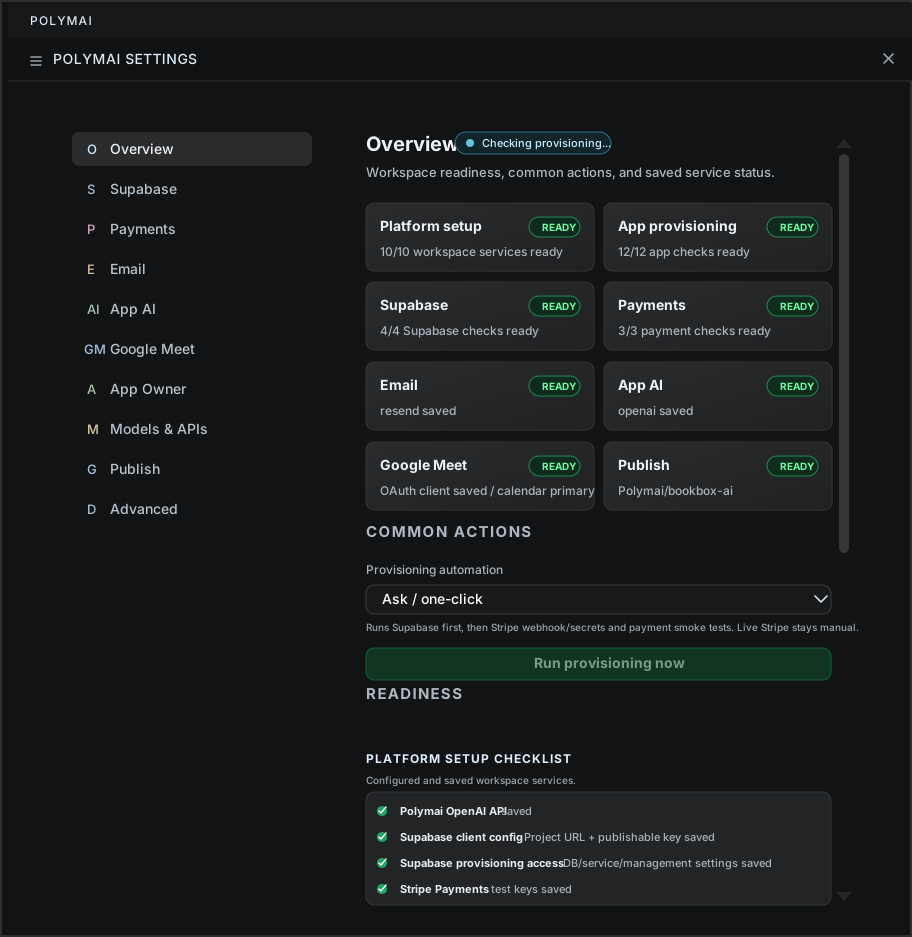
Local preview, screenshots, smoke checks, and provisioning readiness keep the build grounded in the running app.
Answers
Direct answers about Polymai.
Concise facts for buyers and builders evaluating what Polymai does.
What is Polymai?
Polymai is an AI app-building workflow for turning an app idea into a structured, previewable, reviewable software project.
How does it build?
It shapes the brief, plans the surface, generates focused files, connects service artifacts, previews the result, and keeps later changes scoped.
What can it create?
Polymai is suited for SaaS tools, customer portals, dashboards, internal workflows, admin panels, data-backed apps, and service-aware prototypes.
Which services fit?
It can plan around databases, auth, storage, Edge Functions, payments, email, AI provider calls, webhooks, scheduled jobs, GitHub, and publishing.
How are secrets handled?
Provider secrets stay out of browser files and privileged work is routed through server-side environments or provider-owned configuration.
What is needed to start?
Use VS Code, bring an app brief, and connect the provider accounts required by the app, such as OpenAI, Supabase, GitHub, Stripe, or email.
Start
Turn the idea into a buildable plan.
A few sentences about the app, users, data, and goal are enough to start. Polymai helps shape the technical path before code is produced.
- Dashboards, portals, and internal tools
- Supabase-backed workflows and customer data
- Payments, email, storage, and publishing setup